Create Custom Financial Dimension in AX 2012
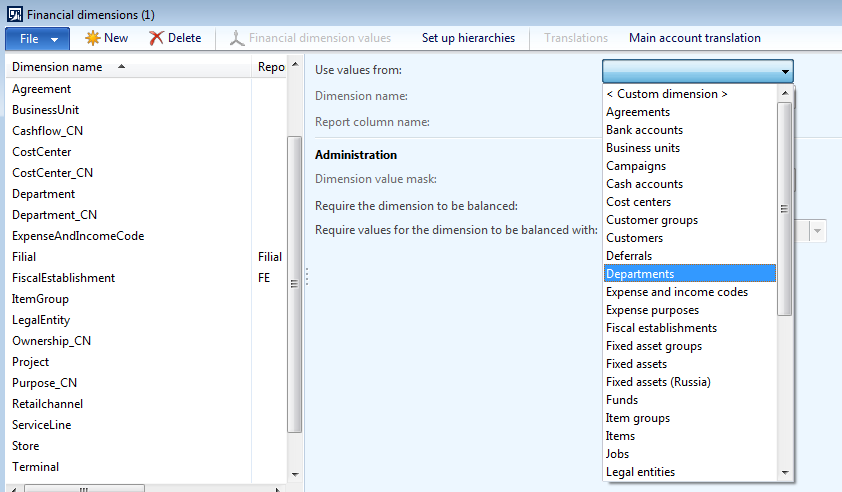
In the Financial dimensions list we have standard dimension list provided by Microsoft. If we want to have custom dimension you have to select custom dimension & define the values. What if we want to work custom dimension just like the standard dimension eg. ProjId. The Proj Id dimension dropdown shows the projects from view. So lets create a "Project Quotation Id" custom dimension just like ProjId standard dimension. Project quotation Id is not in the standard list of dimension. Follow the below steps to create one. 1. Create a view which points to the SalesQuotationTable & define the fields as shown below. 2. The Key Field points to RecId of SalesQuotationTable 3. Value -> QuotationId 4. Name -> QuotationName 5. Customize the DimensionEnabledType class by writing a server static method as below public static server DimensionEnabledType ABC_constructForQuotationId(RecId _financialTagCategoryId = 0, TableLabel _viewLabel = '') ...
